What is a sales rep app for construction and how does Workhand handle it?
A construction sales rep app tracks leads through a pipeline, records commission per closed deal, and hands the accepted job off to a PM cleanly. Workhand's Sales role does all three. Reps get a kanban board (new, contacted, qualified, estimate_sent, won, lost), commission tracking per lead they close, auto-assignment on any lead they create, and an existing customer picker when the phone rings from a repeat client. It is scoped so the rep sees the sales work and not the money side of the business.
Is the Sales role included on every Workhand plan?
No. The Sales role is a Team-only feature. Team is 89.99 per month and unlocks the Sales role, more seats, and the full desktop dashboard for the office. Pro at 34.99 per month runs a great small-crew setup but does not include the Sales role. If you have one or more full-time reps, Team is the plan that fits.
What does Workhand auto-do when a sales rep qualifies a lead?
When a lead crosses into qualified status, Workhand auto-creates the job workspace behind it (migration 0126). That means the PM does not have to spin up a new job from scratch when the rep hands off the win. Chat is ready, log tab is ready, cost tab is ready. This shaves days off the estimate-to-first-shovel cycle because nobody is waiting on the office to open a folder.
What happens when a customer signs the estimate?
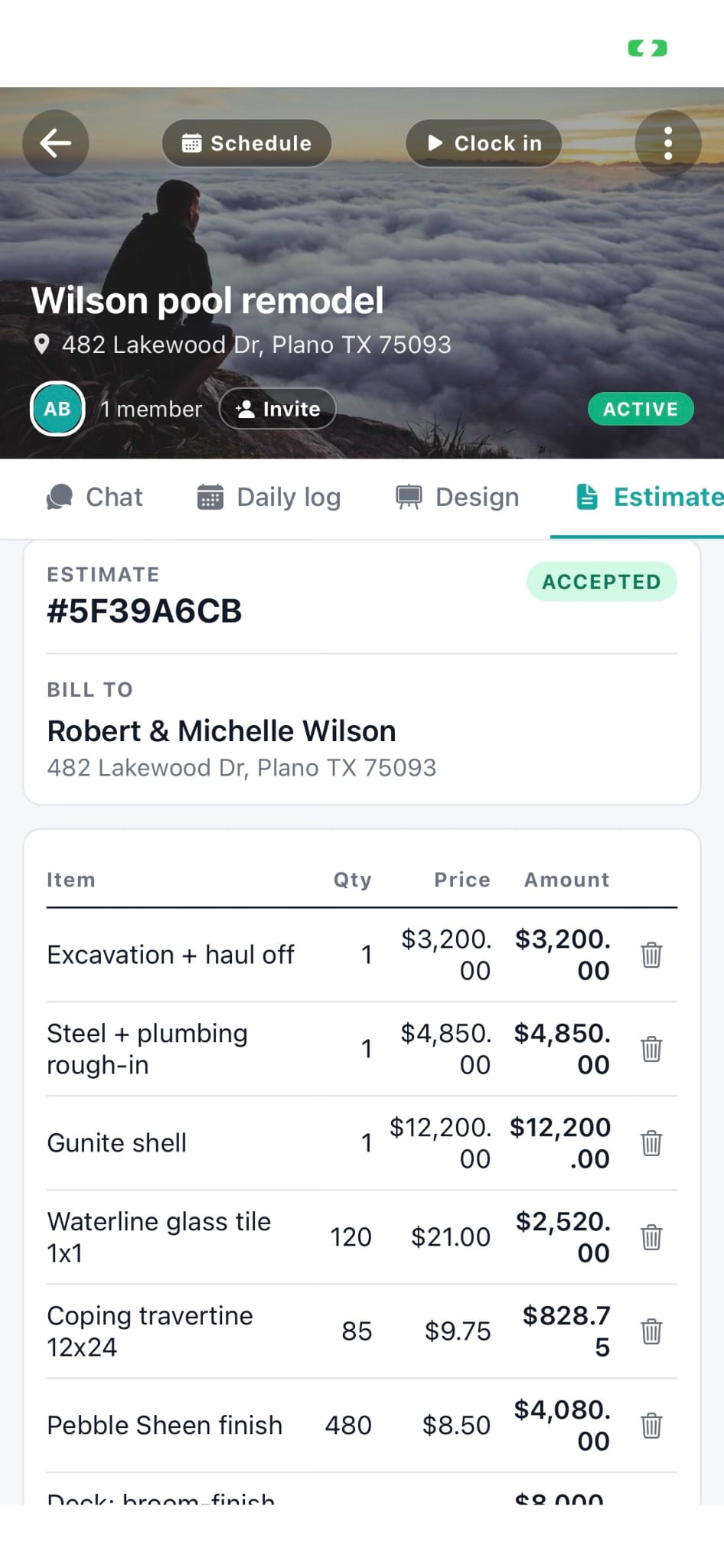
When an estimate the rep sent is accepted by the customer, the lead automatically flows to won (this is a forward-only trigger set in migration 0141, so it does not accidentally reverse a manual state change later). Commission tracking picks up the closed deal. The PM sees the accepted job with everything the rep captured on the lead already filled in.
What can a sales rep NOT see in Workhand?
Sales reps cannot see money widgets, the Costs tab on a job, the Yearly Ledger, Reports, the Job Costing tab, Data Export, or the Punch list. This is intentional. Reps are compensated on top-line closes, not gross margin. The Costs tab and Yearly Ledger are Owner and Admin territory. Punch is closeout, run by the PM. Sales reps see the leads, the estimates they built, their commission report, and the customer information they need to keep selling.
Can a sales rep enter a lead for an existing customer?
Yes. The new lead form has an existing customer picker so repeat clients do not become duplicates in the database. Type the customer name, pick the existing record, and the lead attaches to that account. Their address, contact info, and job history come along automatically. This is a recent addition specifically for reps who work heavily in referral and repeat-customer territory.
How does the sales rep pipeline compare to Salesforce or HubSpot for construction?
Salesforce and HubSpot are generic CRMs that assume the deal ends at signed. Workhand assumes the deal is where the work begins. When a rep qualifies a lead, Workhand spins up the job. When the estimate signs, the workspace transitions to a PM without an integration or a data hand-off. There is no re-entering the client into a separate project tool. The rep and the PM live in the same app on the same customer record.
Do sales reps get commission tracking that they can trust?
Yes. Every lead the rep is credited on carries commission fields the owner sets up. Won leads roll up into the rep's commission report so both the rep and the owner see the same number. There is no separate spreadsheet to argue over at payout time. This is core to why the Sales role is a Team-plan feature: it presupposes there is real payroll math being run on top of it.