What is the best project management app for construction PMs?
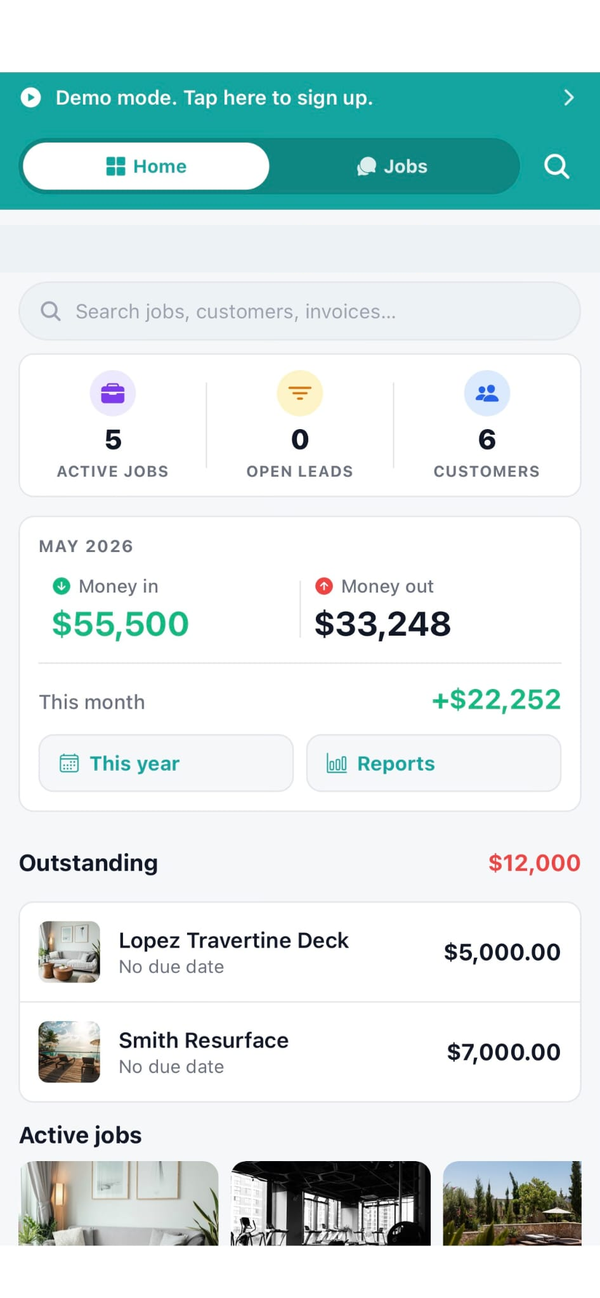
The best construction PM app runs the way a working PM actually works: 40 percent on site, 60 percent on the laptop, five active jobs at any time, chasing subs and suppliers and inspectors all day. Workhand puts chat, costs, schedule, subs, punch, and daily logs inside every job so switching between them is one tap instead of six tools. It is on iOS, Android, and a web dashboard for the office. Built by a PM at a Florida pool builder who runs five jobs today.
How is Workhand different from Buildertrend or JobTread for a PM?
Buildertrend and JobTread are office-first tools that the field crew avoids because they take twenty minutes to onboard and every screen looks like a spreadsheet. Workhand is mobile-first with a laptop mirror, not a desktop app the field has to tolerate. Chat is core, not an add-on. Photos, daily logs, and mileage work offline. The PM does not have to sit at a laptop to do the job.
Can a PM see costs and profit on a job?
By default a PM sees the same job data as the field crew. The owner can grant the Costs permission to a PM, which unlocks the Costs tab with all line items and the profit rollup. Whether you grant that depends on how much the PM handles buying versus how much the office handles it. The Yearly Ledger and Data Export stay Owner-only regardless.
Can a PM see other employees' time or mileage?
No. Time entries and mileage logs are scoped to the person who entered them by default per the permissions matrix. This keeps the Field Crew comfortable that a PM in a peer role is not watching their punch clock. If the PM is promoted to Admin, they see the full report because they are then acting on behalf of ownership. The line is drawn at the role, not at the individual.
Does Workhand work on the laptop as well as the phone?
Yes. Workhand runs on iOS and Android for the field and truck, and a full web dashboard at dashboard.workhand.app for the office. Same data, same jobs, same chat. Open the phone in the pickup between stops. Open the laptop at the desk to send estimates and reconcile receipts. The PM's split of field time and office time is the split Workhand is built for.
Can I chat with subs and Spanish-speaking crew in Workhand?
Yes. Every job has a chat thread that the PM, crew, and assigned subs can use. There is a per-message translation toggle for English, Spanish, and Portuguese, one tap on the message. The entire app UI is also localized into Spanish and Portuguese in Settings, so a bilingual crew can each use the app in their language while chatting in one thread.
How does Workhand handle subs, insurance, and COI expirations?
Every sub in Workhand has a profile with their COI dates. The system emails 30-day, 14-day, and 7-day expiration alerts to Owners and Admins so the PM never runs a job with a lapsed sub certificate. Assign subs to jobs, chat with them per job, track COI. If a sub's COI is expired, that shows up on their profile before you assign them to the next pour.
How much does Workhand cost for a construction PM?
Free plan for testing, one job and one teammate, no credit card. Pro at 34.99 per month unlocks unlimited jobs and enough seats for a small crew. Team at 89.99 per month unlocks the Sales role, more seats, and the desktop dashboard for the office. Subcontractors always get a free seat on the jobs they are assigned to. There is no per-PM fee inside a plan.