What does a field crew member get in Workhand?
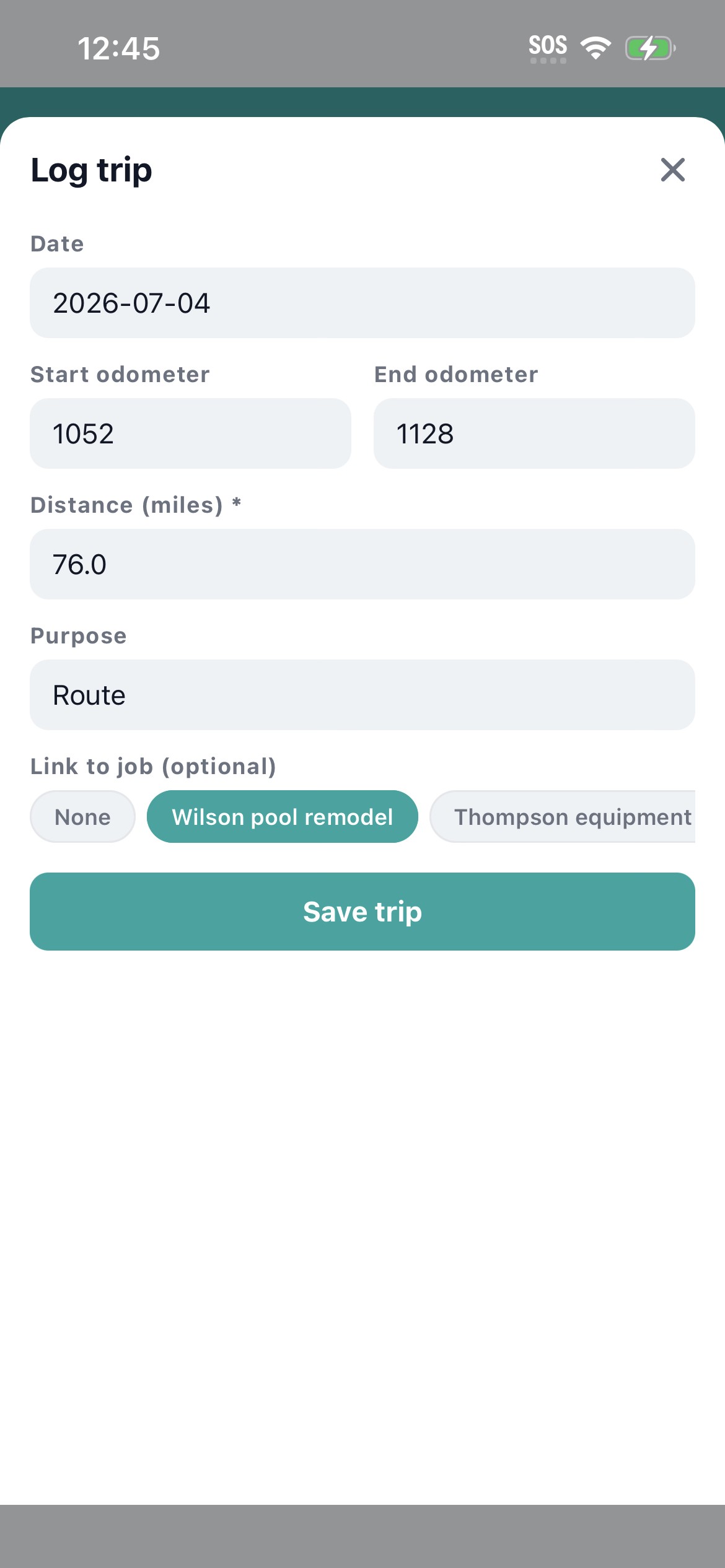
As a Field Crew user (Employee role) you see only the jobs your owner or PM has assigned you to. You track your own time and mileage, upload photos from the job site, write daily log entries, and chat on the jobs you are on. Your Home tab shows your weekly hours and miles. Everything works offline. When the truck rolls out of the dead zone, everything you typed uploads. No lost hours, no lost shots.
Can other crew members see my time entries and miles?
No. Time entries and mileage logs are self-scoped in Workhand. You see your own. Other Field Crew users cannot see yours. Owner and Admin can see everyone's for payroll and reimbursement, which is correct because they cut the checks. This scoping was set explicitly (migration 0092) so peers do not watch each other's punch clock.
Does Workhand work offline at the job site?
Yes, and this is the reason the field crew actually uses it. Punch in with no signal, snap photos, write the daily log, log the miles. Every write queues locally and syncs to the cloud the instant you get a bar back. Rural jobs, basement work, concrete slab pours, tunnels, anywhere the LTE dies. No white screen, no lost hours, no retype at the end of the day.
Do I need to install and pay for Workhand myself?
No. Your owner or PM adds you as a Field Crew seat under their company's plan. You download the app from the App Store or Google Play, sign in with the email they invited you on, and you are in. No credit card, no personal subscription. If your company is on Pro at 34.99 per month or Team at 89.99 per month, your seat is included.
Can I see estimates, invoices, or job costs?
By default, no. Field Crew role is scoped to time, mileage, photos, daily logs, chat, and your assigned jobs. The money side of the job (estimates, invoices, costs, profit) is scoped to Owner, Admin, PM, and Sales roles depending on the permissions matrix. Your owner can grant you the Costs permission if the role calls for it, and even then Yearly Ledger stays Owner-only.
Does Workhand work in Spanish or Portuguese?
Yes. The entire mobile app is translated into English, Spanish, and Portuguese (Brazil). Change your language in Settings and every menu, button, screen, and error message flips. There is also a per-message translation toggle in chat, so a Spanish-speaking crew member and an English-speaking PM can chat in one thread with each side reading their own language.
How is Workhand different from a time-only app like Homebase or Deputy?
Homebase and Deputy are time-clock apps. They punch you in, they do payroll math, they stop. Workhand is a full field app: time is one of eight things you do, alongside photos, daily logs, mileage, chat, punch, materials, and job navigation. If the owner already runs Workhand for the office side, you get all of that on the same app instead of installing three.
What does my Home tab show as Field Crew?
Your Home tab shows your assigned jobs, your weekly hours, and your weekly miles. It is scoped to you. If you switch weeks, the numbers switch. If you punch in on a new job, it shows up. That view is your personal control panel. You do not see other crew's numbers, and other crew do not see yours.